

Garena is an advanced network solution which provides the users with an interactive gaming platform where they can play multiplayer games, chat at the same time and join leagues and tournaments all over the world. This is one of the most popular gaming communities which counts more than 25 millions users.
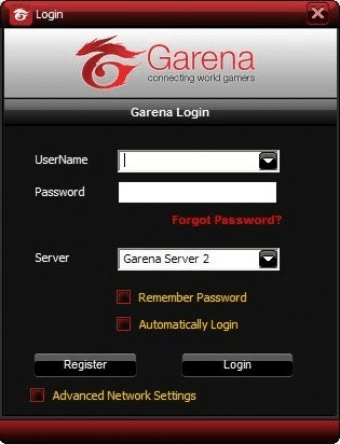
After installing Garena, when you first time run the program, a Windows security alert will ask you to keep blocking or unblock the program. You have to select “unblock” to continue and then the login window will appear. You have to enter your username and password or register a new account. After you login you can see some instructions and help information about how to use your account and how to play games. On the left side of the main window there is a list of "LAN games" available. You should select the game you want to play and choose the country/region where you live. Then a window with available game rooms will show up.
After joining a room you have to configure the game executable path in the Settings section. Choose the game and browse for the game executable direction, click "Apply" and "OK" to confirm your choice. Please, note that you don't need to set the game executable path if you want to play the same game next time. After that you can start playing your game. You will be able to see all available games hosted in this room too. Just double-click on the games’ titles listed at this page or create your own game for others to join in by clicking on the “Create Game” button.






Comments (34)